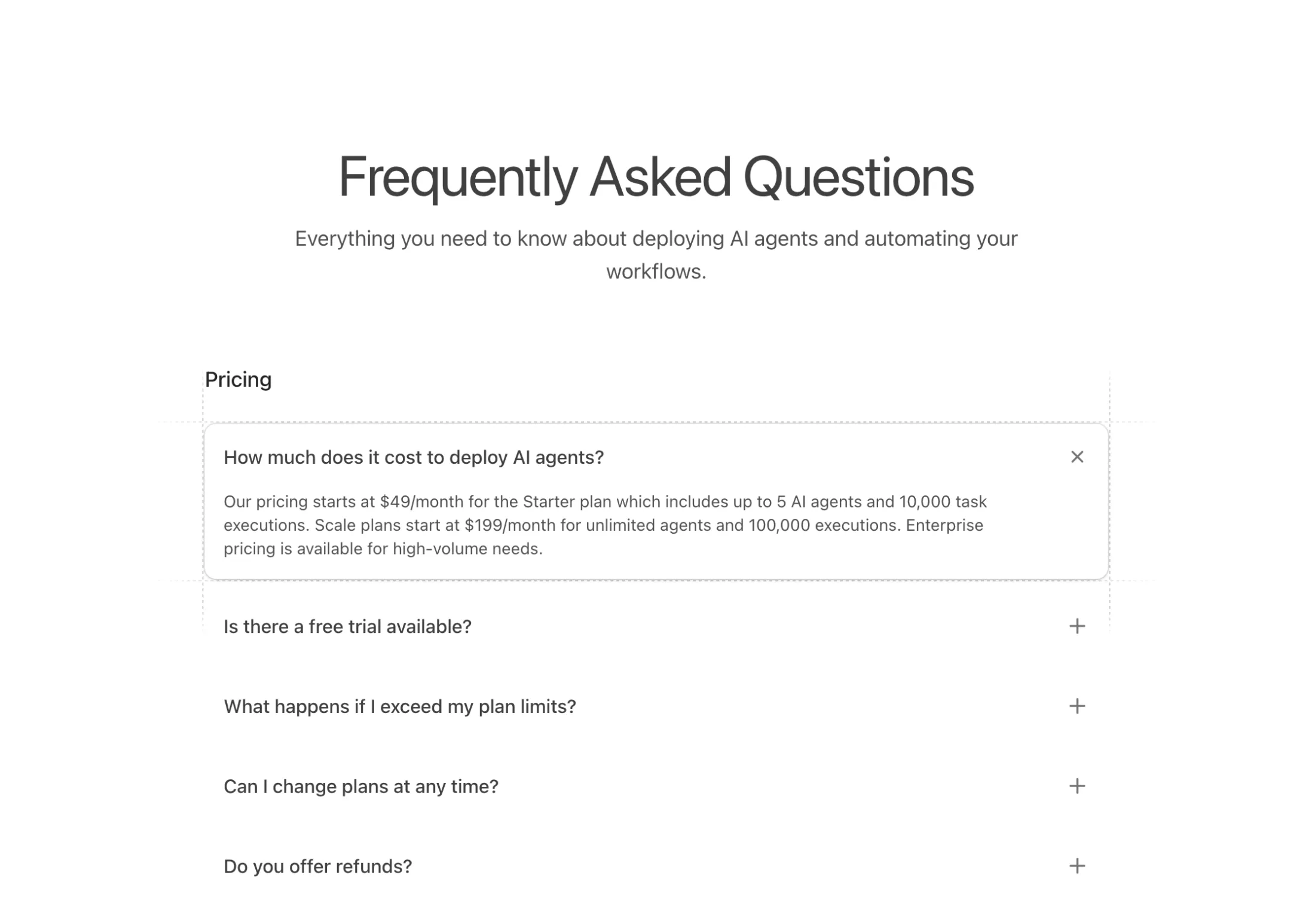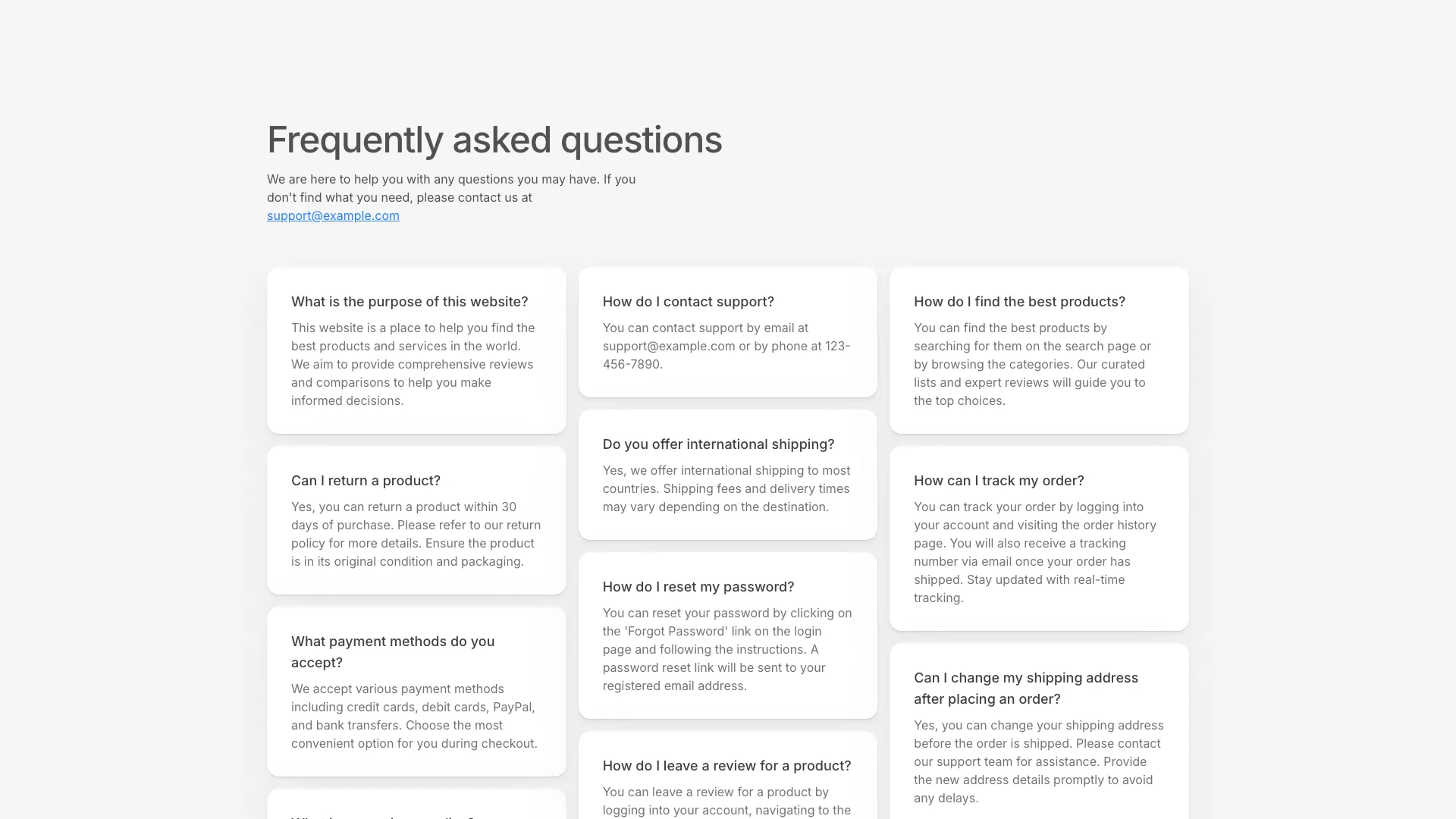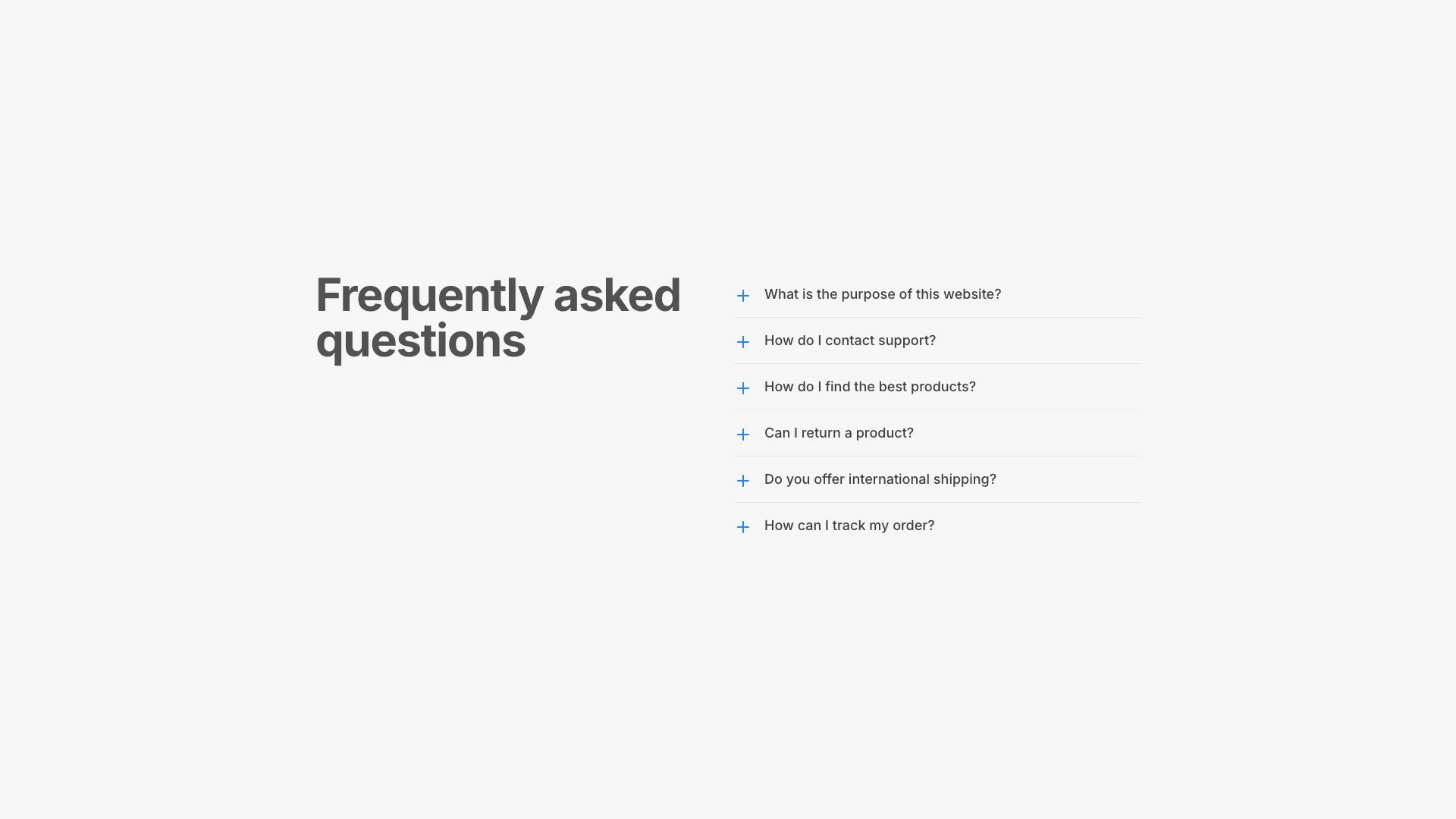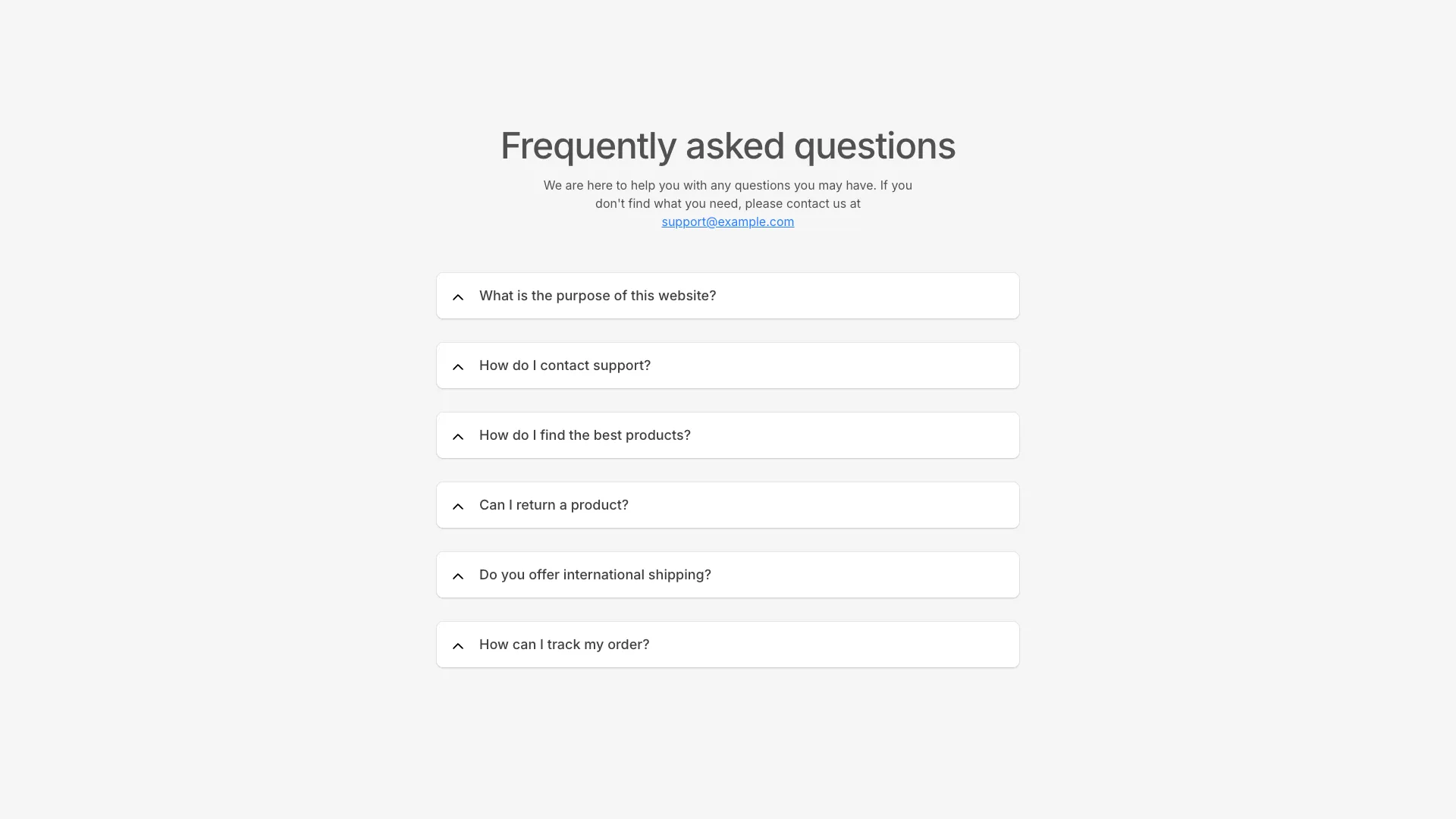








Questions live in an array of objects, so you can generate them from a CMS or keep them inline. All four handle the expand and collapse animation for you.
Phrase questions the way people type them, not the way your team talks about the product. "Do you have a free plan?" beats "Plan availability", because it matches the query and it reads like a person asked it. Keep answers to two or three sentences and lead with the direct answer before any qualification. If an answer needs four paragraphs, it is documentation, and the FAQ entry should be a one-line answer plus a link.
Choose between the accordion and the grid based on how many questions you have. An accordion is right past six entries, where showing everything expanded would push the rest of the page far down the screen. The three-column grid is better for four or five short answers, because collapsed panels hide content behind an interaction that many visitors never perform. People scan; they do not click hoping something useful is inside.
Accordions have no crawling penalty as long as the answer text is in the DOM and hidden with CSS. Search engines render the page and index collapsed content, and that is how all four blocks here work. What does hurt is mounting the answer only after a click, which is easy to do accidentally with conditional rendering. If you also emit FAQPage structured data, note that Google now shows those rich results for a narrow set of sites only, so treat the markup as an aid to answer engines rather than a guaranteed listing.
Accessibility is where most hand-rolled accordions fail. The clickable heading should be a real button inside a heading element, carry aria-expanded reflecting its state, and point at the panel with aria-controls. Animate max-height or use a grid-template-rows transition rather than toggling display none, which kills the animation. And decide deliberately whether opening one item closes the others. Single-open keeps the section short, multi-open lets someone compare two answers side by side.
No, provided the text is present in the HTML and hidden with CSS. Google renders the page and indexes hidden content. The real risk is rendering the answer only after a click, which leaves nothing in the DOM for a crawler to read.
Six to ten on a landing page. Enough to cover the objections that stop a purchase, few enough that the section does not turn into a support manual. Push everything else to a help centre and link to it from the last item.
Wrap each trigger in a button inside a heading, set aria-expanded to the open state, and link it to the panel with aria-controls and a matching id. Toggle visibility with height or max-height so the transition still runs, and keep the trigger reachable by keyboard.
Single-open keeps the page compact and works well for long answers. Allow multiple when visitors are likely to compare two entries, such as questions about different plans. Both behaviours are a few lines of state in these components.
Here's what some of our users have to say about Aceternity UI.

amazing to see @calcom find its way into proper templates 🥳 excited to be powering the next thousands of startups and their demo calls!

Stumbled upon ui.aceternity.com today and my mind is blown 🤯 The seamless integration of framer-motion, tailwind CSS, and shadcn showcases a masterclass in UI design. 🚀 Kudos to @mannupaaji for creating such an innovative and inspirational resource for devs! #UI #nextjs

Have you heard of Aceternity UI? It's packed with various animated components that are ready to copy and paste! Mind-blowing stuff... 🤯 Click here ➡️ ui.aceternity.com #framermotion #nextjs #tailwindcss #techinnovation

ui.aceternity.com So well done. And its bloody free 🤯🤯 Phenomenal work by @mannupaaji

So happy to see @mannupaaji work being recognised 🥹🤌🏻♥️ His work is literally a treasure trove for devs 💎

Aceternity UI has some of the best components for designing landing pages I've ever seen. If you're struggling with figuring out what animations to use. Check it out. Thank me later 😉. ui.aceternity.com
See what the best YouTubers are saying about Aceternity UI.


ceternity UI
Access an ever-growing collection of premium, meticulously crafted templates and Component Blocks.
© 2026 Aceternity Labs LLC. All Rights Reserved.