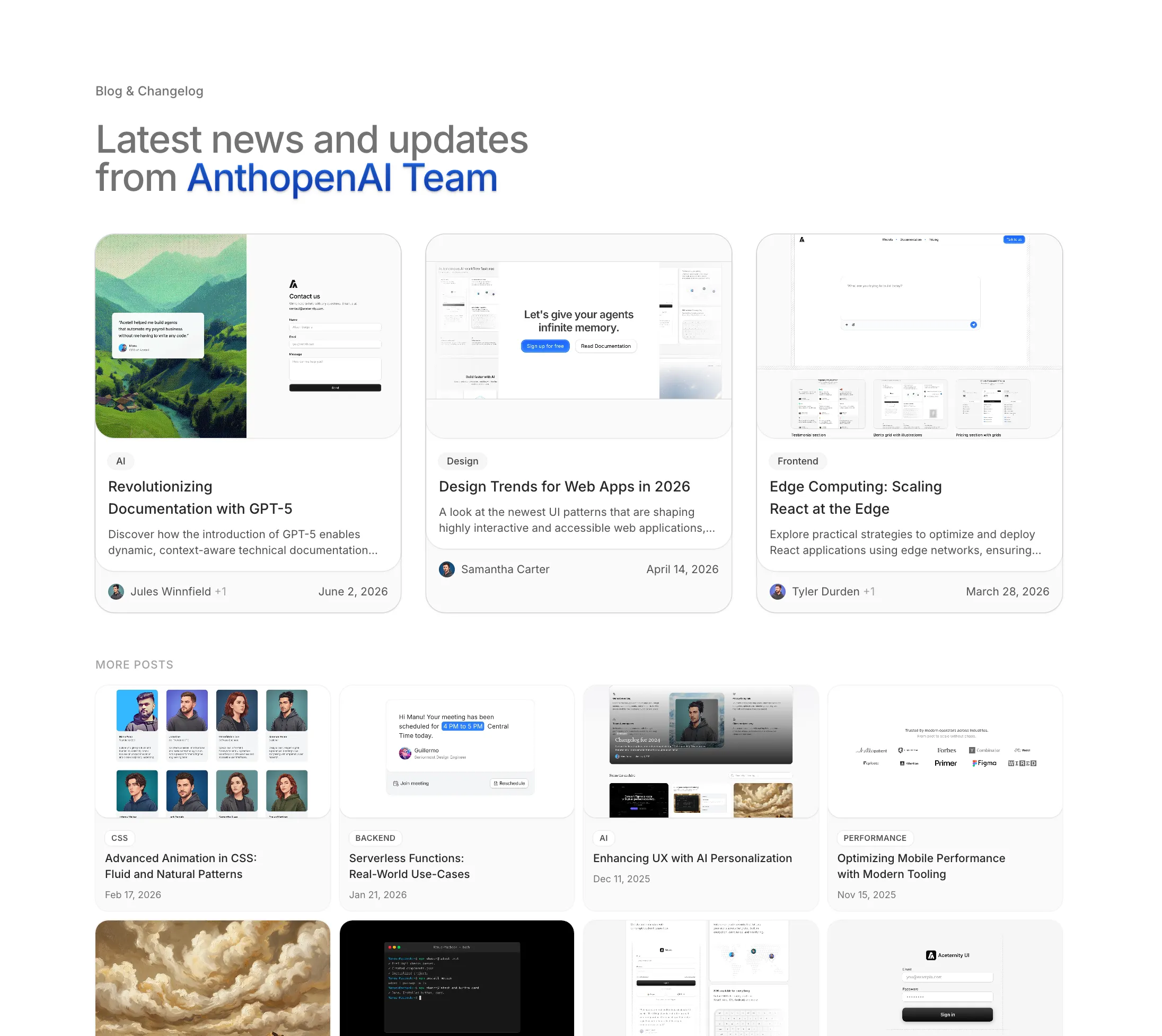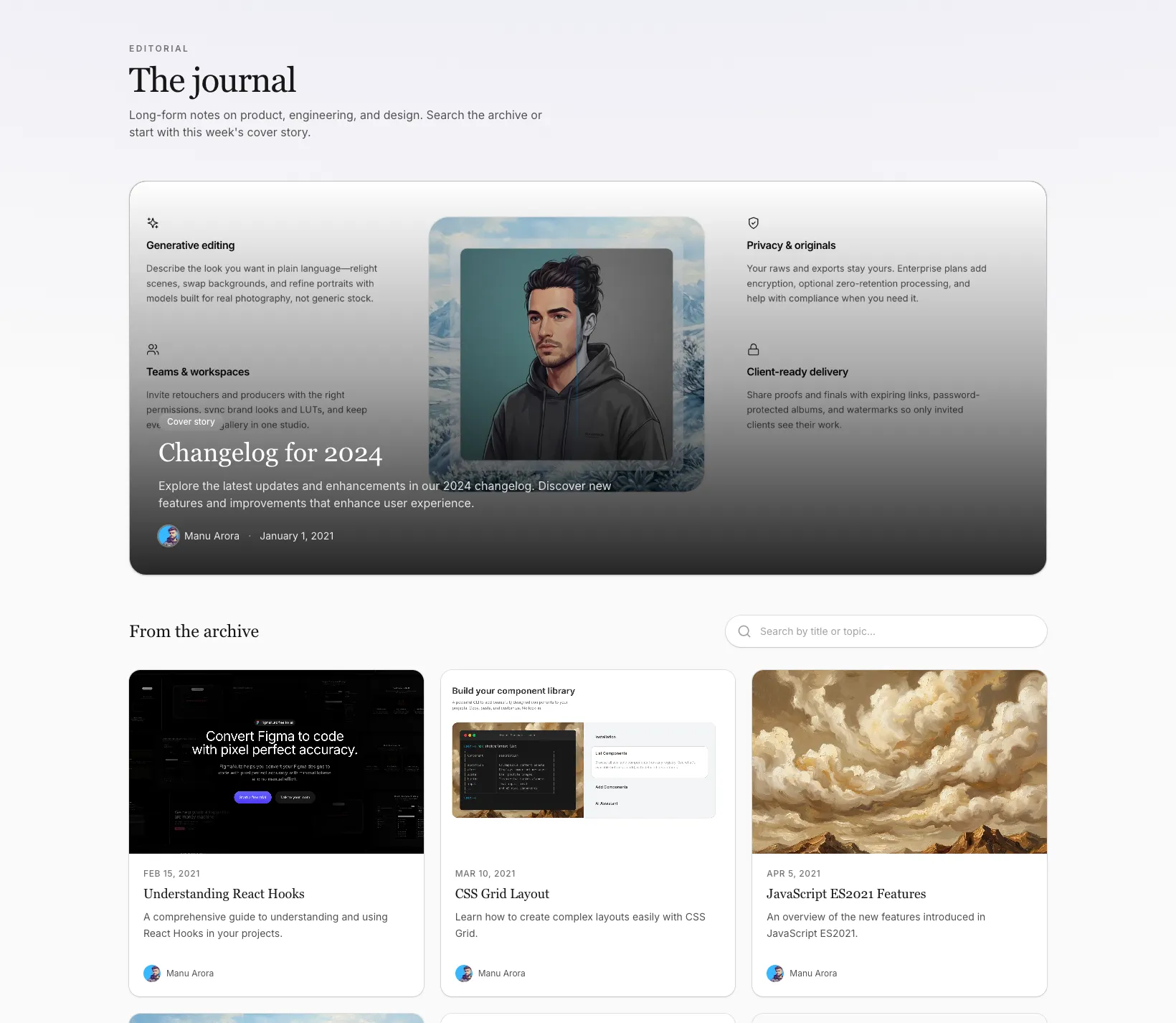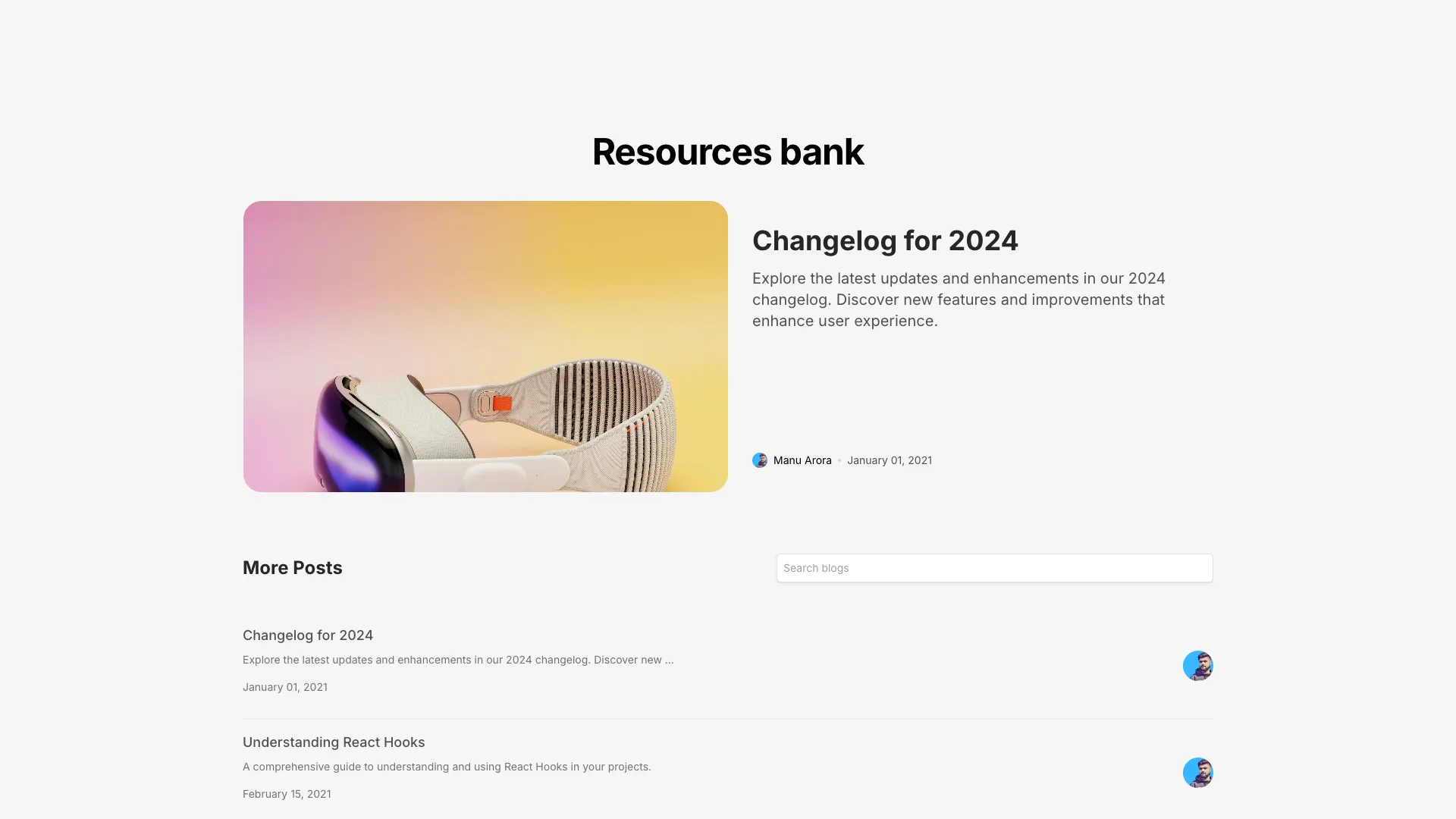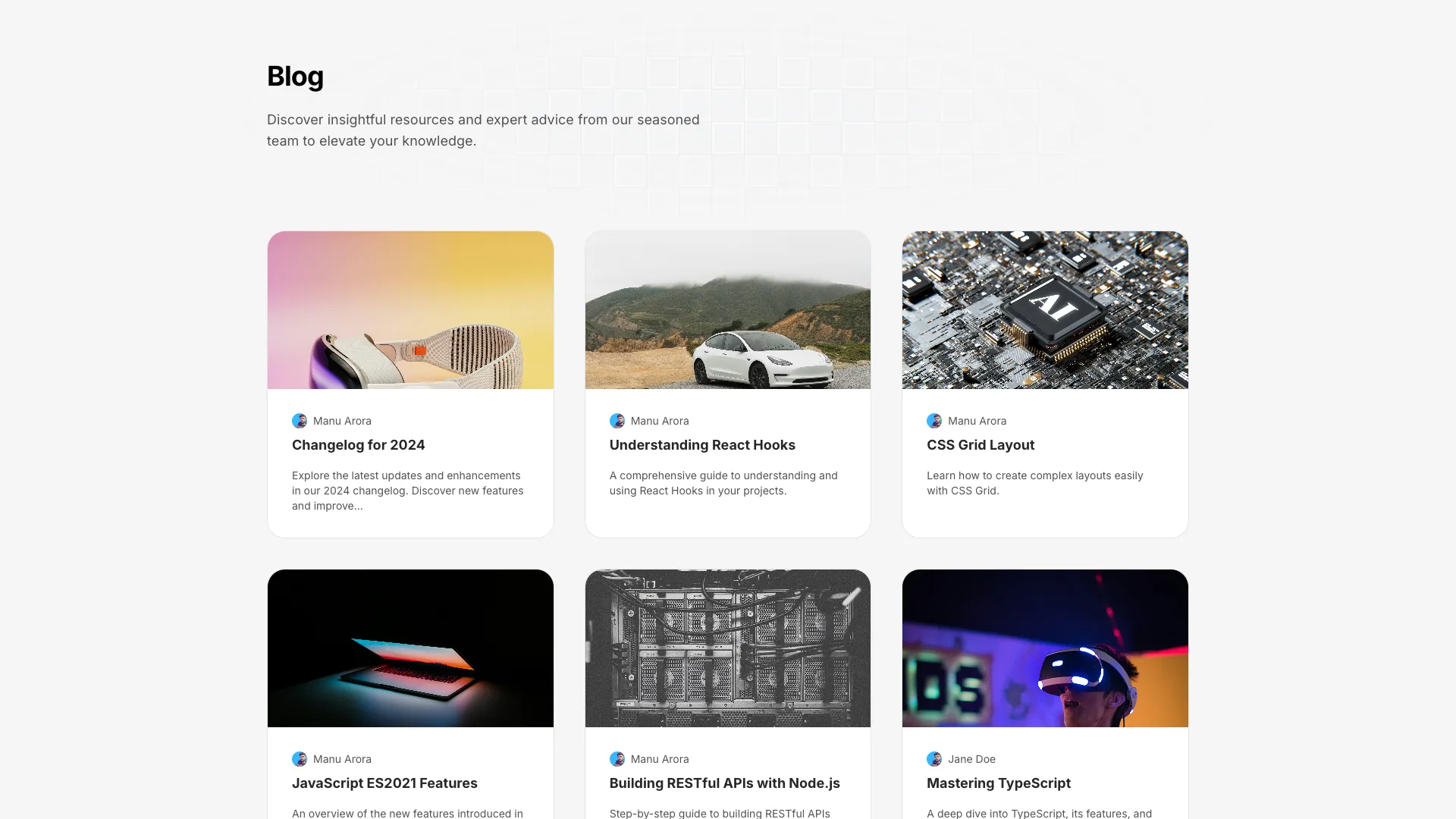








These render the index, not the article. Point them at your own posts array or MDX collection and the cards, search and grouping keep working.
A blog index is a scanning surface. People read titles and almost nothing else, so the title needs the most typographic weight on the card and the excerpt needs to be short enough that every card ends up the same height. Truncate excerpts by character count on the server rather than with line-clamp alone, because clamping still ships the full text and leaves ragged card heights when your grid rows are not fixed. Two lines is plenty.
Client-side fuzzy search is the right call up to a few hundred posts and wrong after that. Two of these blocks filter an in-memory array, which is instant and needs no backend, and also means the whole post list is in the JavaScript payload. Past roughly 300 posts, move to a server route or an index like Pagefind. Whichever you choose, render the full list in the HTML and let search filter it, so crawlers and people with JavaScript disabled still see your archive.
Be deliberate about dates. A visible publish date is honest and helps with news-style content, and it also quietly kills your evergreen tutorials once they are eighteen months old. If your posts age well, show an updated date instead and actually update them. If you use categories, keep the set small enough that each one has at least four posts, because a filter that returns one result feels broken.
Use real links for pagination. Infinite scroll on a blog index means your older posts have no crawlable URL and nobody can share page four, and the back button usually loses their place. Numbered pages with anchor tags cost you nothing in perceived speed if you prefetch. On images, set an explicit aspect ratio on every card thumbnail and only mark the featured post's image as priority, otherwise you are racing twelve images for bandwidth above the fold.
For a small blog, pass the post list to a client component and filter it with a fuzzy matcher such as Fuse.js on each keystroke. For larger archives, build a static search index with Pagefind or query a server route, since shipping every post title and excerpt to the browser stops being reasonable somewhere in the low hundreds.
Show dates for news, changelogs and anything time-sensitive, because readers need to judge relevance. For evergreen tutorials a visible old date suppresses clicks even when the content is still correct, so display a last-updated date and keep it accurate instead.
Pagination, in almost every case. Numbered pages give each batch of posts a real URL that can be crawled and shared, and they keep the back button working. Infinite scroll suits feeds people browse aimlessly, not archives people search.
A title, a thumbnail with a fixed aspect ratio, and one piece of context such as a category or a date. Author avatars are worth adding only on multi-author publications where the byline affects whether someone clicks.
Here's what some of our users have to say about Aceternity UI.

amazing to see @calcom find its way into proper templates 🥳 excited to be powering the next thousands of startups and their demo calls!

Stumbled upon ui.aceternity.com today and my mind is blown 🤯 The seamless integration of framer-motion, tailwind CSS, and shadcn showcases a masterclass in UI design. 🚀 Kudos to @mannupaaji for creating such an innovative and inspirational resource for devs! #UI #nextjs

Have you heard of Aceternity UI? It's packed with various animated components that are ready to copy and paste! Mind-blowing stuff... 🤯 Click here ➡️ ui.aceternity.com #framermotion #nextjs #tailwindcss #techinnovation

ui.aceternity.com So well done. And its bloody free 🤯🤯 Phenomenal work by @mannupaaji

So happy to see @mannupaaji work being recognised 🥹🤌🏻♥️ His work is literally a treasure trove for devs 💎

Aceternity UI has some of the best components for designing landing pages I've ever seen. If you're struggling with figuring out what animations to use. Check it out. Thank me later 😉. ui.aceternity.com
See what the best YouTubers are saying about Aceternity UI.


ceternity UI
Access an ever-growing collection of premium, meticulously crafted templates and Component Blocks.
© 2026 Aceternity Labs LLC. All Rights Reserved.