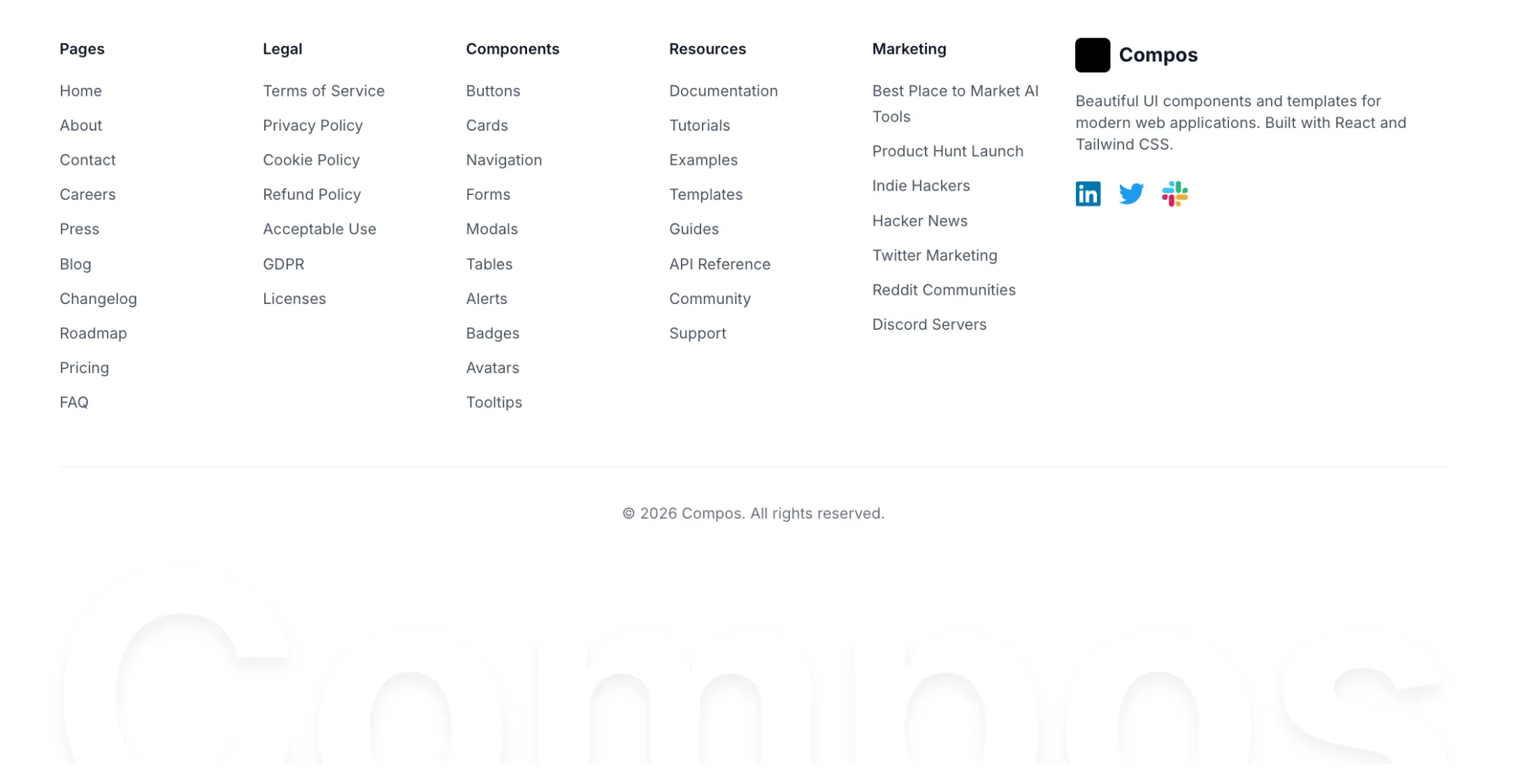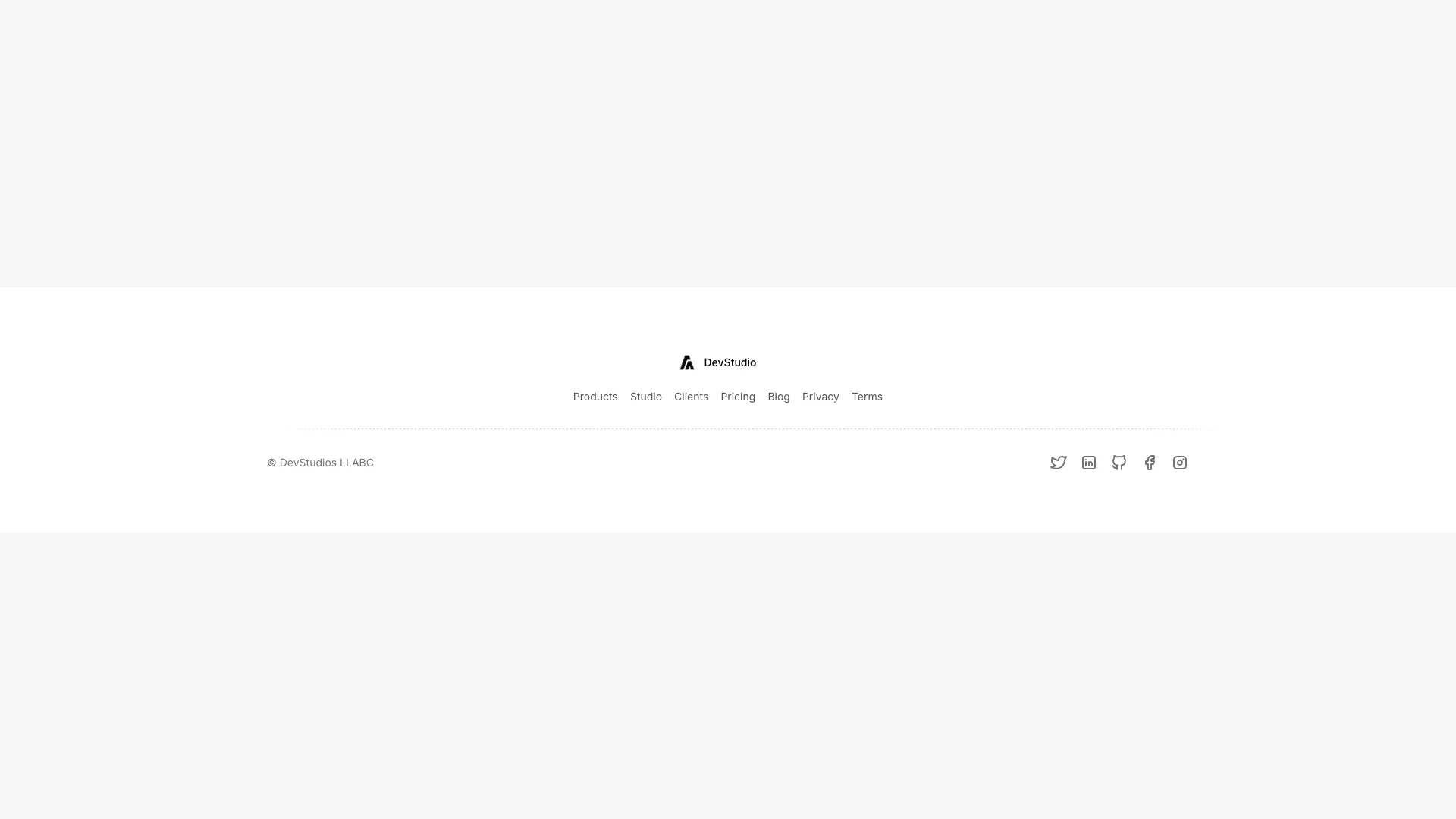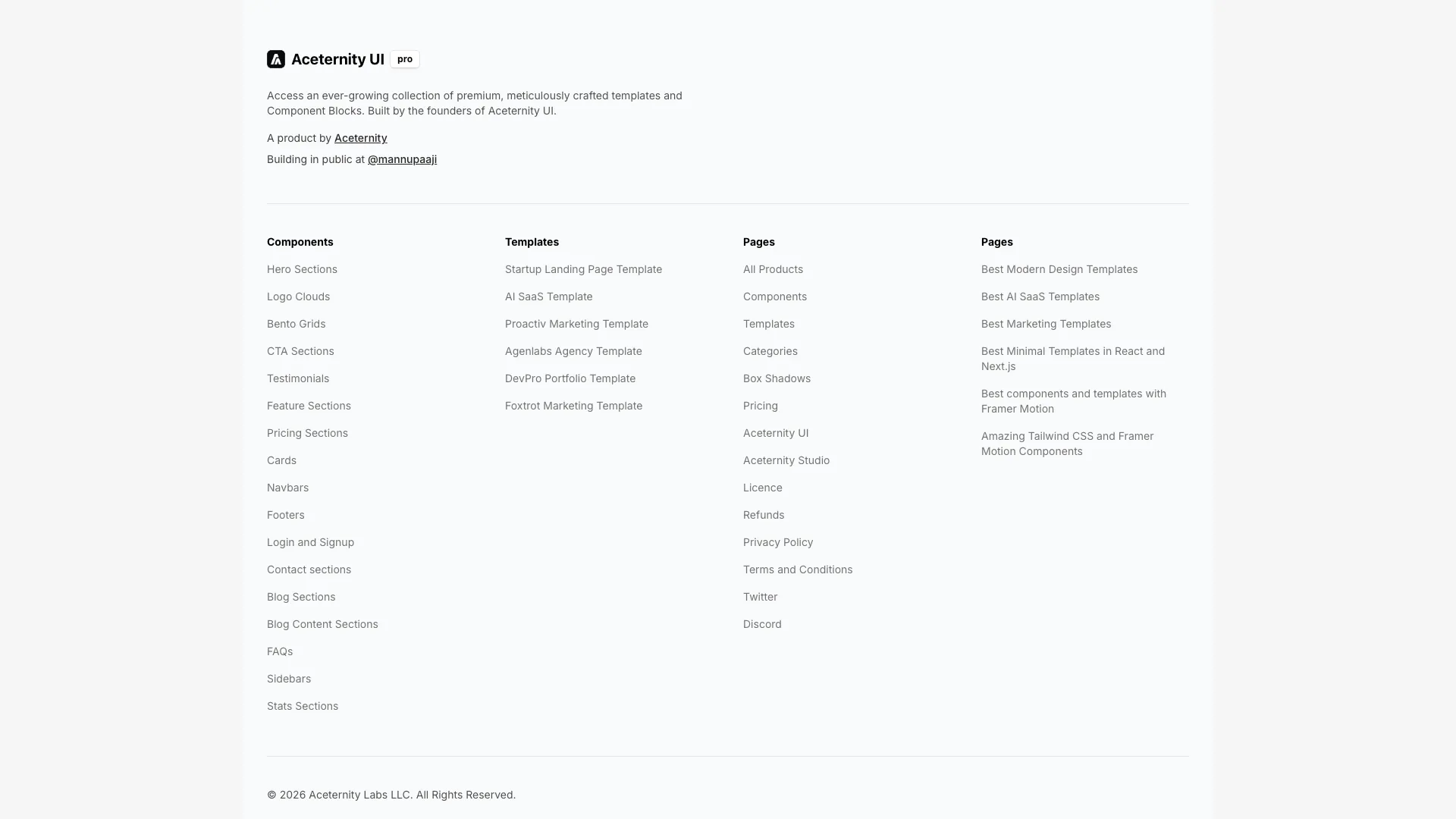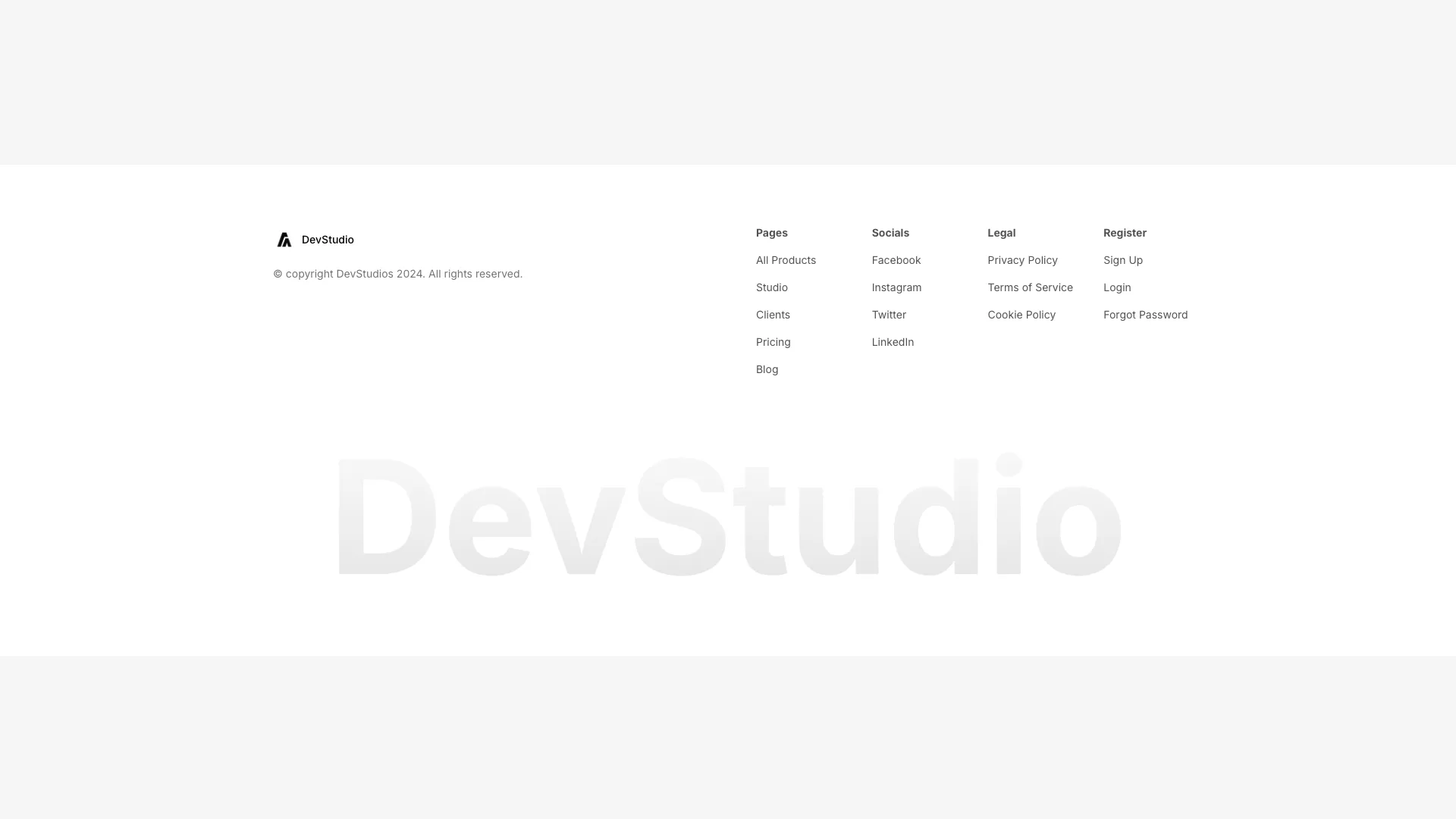








Each footer stores its links in a plain array at the top of the file, so swapping in your own routes is a single edit rather than a hunt through markup.
The footer is the only place on a site where you can link to everything without hurting the design. Search engines follow those links on every page, which is why a four-column footer flattens crawl depth so effectively. A page that would otherwise sit five clicks from the homepage becomes one click away. If you have documentation sections, pricing comparisons, or location pages that nothing else points at, the footer is where they get discovered.
There is a limit, though. Link equity divides across the links on a page, so a footer with ninety entries passes very little to each one. Somewhere between fifteen and forty sitewide links is the range where the crawl benefit still outweighs the dilution. Pick the pages you actually want ranking and leave the rest to your sitemap. The centered footer in this set exists for products that genuinely only have six destinations, and forcing a grid onto that site would just create empty columns.
Group links by what the visitor is trying to do rather than by your org chart. "Company", "Product", "Resources", "Legal" is a convention people can scan without reading the headings, and conventions are worth more than cleverness at the bottom of a page. Keep the legal column last. Put the newsletter field before the columns on mobile, because by the time someone has scrolled past four stacked lists they have already decided to leave.
Two implementation details cause most footer bugs. Render the copyright year with a value computed at build or request time instead of hardcoding it, or you will ship a stale date in January. And if you want the footer pinned to the bottom of short pages, use a flex column on the body with the main element set to flex-1 rather than position fixed. Fixed footers cover content on small screens and fight with iOS browser chrome.
Set the page wrapper to min-h-screen with flex flex-col, give the main element flex-1, and place the footer as the last child. The footer then sits at the viewport bottom on short pages and below the content on long ones, without position fixed.
Roughly fifteen to forty for most marketing sites. Fewer than that wastes the crawl benefit of a sitewide link block, and far more spreads internal link equity so thin that no single page gains much.
Keep it identical sitewide. A consistent footer is cached, is recognised by returning visitors, and gives search engines a stable internal link graph. Vary only contextual extras such as a docs version switcher.
The grid footer in this collection includes an email field wired to a form element. Point its action or submit handler at your provider, mark the input type as email, and keep the label visible or attached with aria-label for screen readers.
Here's what some of our users have to say about Aceternity UI.

amazing to see @calcom find its way into proper templates 🥳 excited to be powering the next thousands of startups and their demo calls!

Stumbled upon ui.aceternity.com today and my mind is blown 🤯 The seamless integration of framer-motion, tailwind CSS, and shadcn showcases a masterclass in UI design. 🚀 Kudos to @mannupaaji for creating such an innovative and inspirational resource for devs! #UI #nextjs

Have you heard of Aceternity UI? It's packed with various animated components that are ready to copy and paste! Mind-blowing stuff... 🤯 Click here ➡️ ui.aceternity.com #framermotion #nextjs #tailwindcss #techinnovation

ui.aceternity.com So well done. And its bloody free 🤯🤯 Phenomenal work by @mannupaaji

So happy to see @mannupaaji work being recognised 🥹🤌🏻♥️ His work is literally a treasure trove for devs 💎

Aceternity UI has some of the best components for designing landing pages I've ever seen. If you're struggling with figuring out what animations to use. Check it out. Thank me later 😉. ui.aceternity.com
See what the best YouTubers are saying about Aceternity UI.



ceternity UI
Access an ever-growing collection of premium, meticulously crafted templates and Component Blocks.
© 2026 Aceternity Labs LLC. All Rights Reserved.