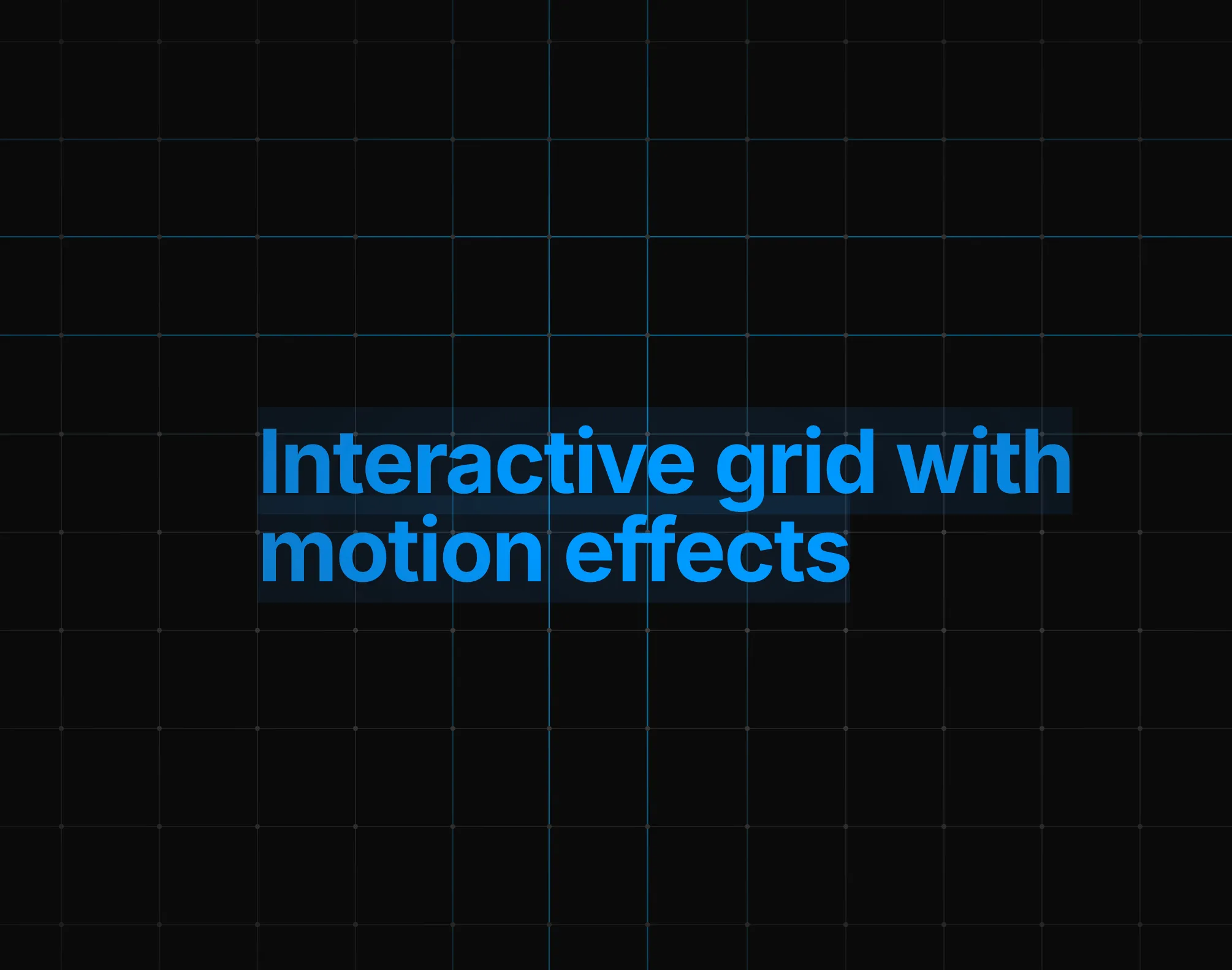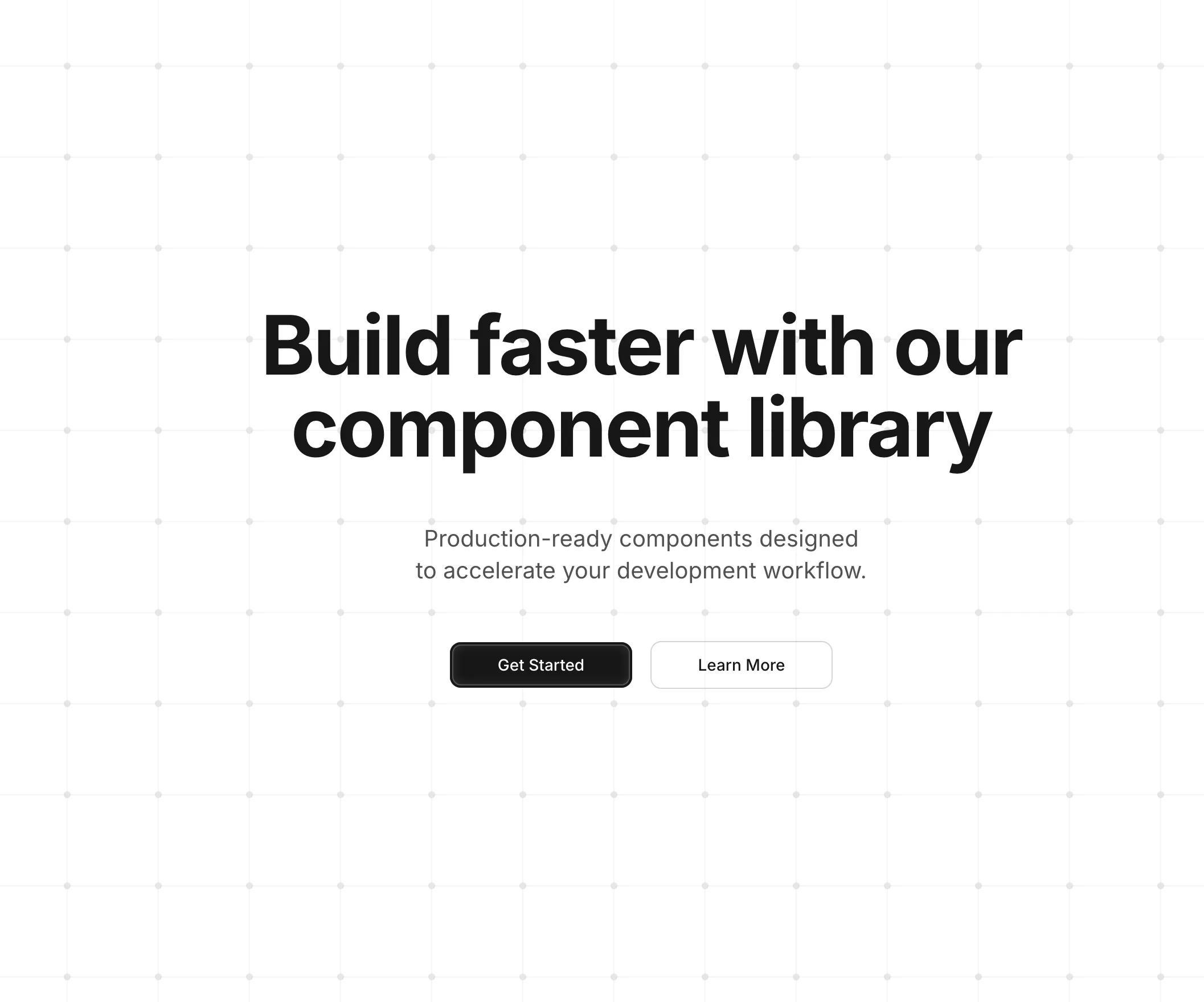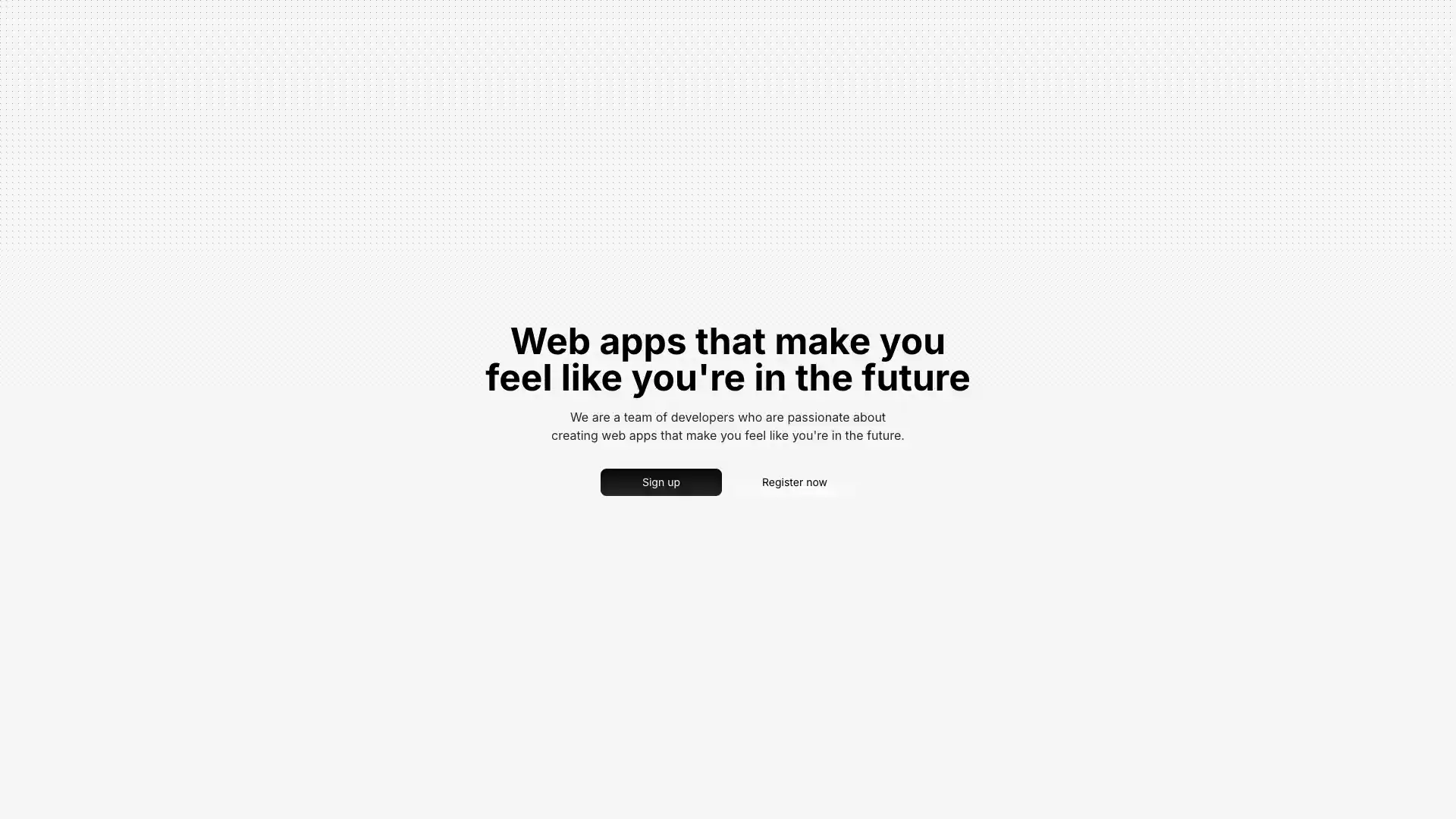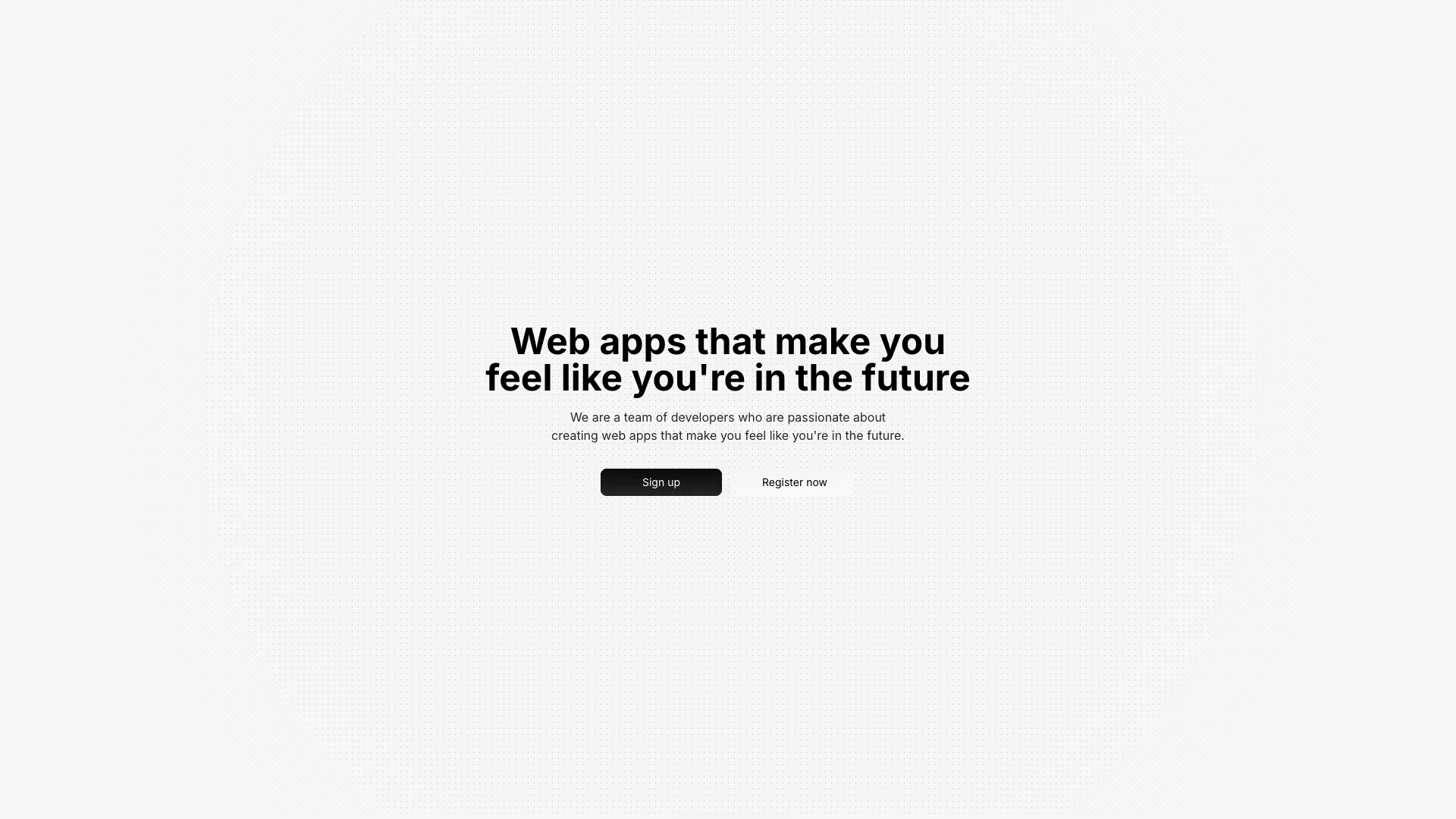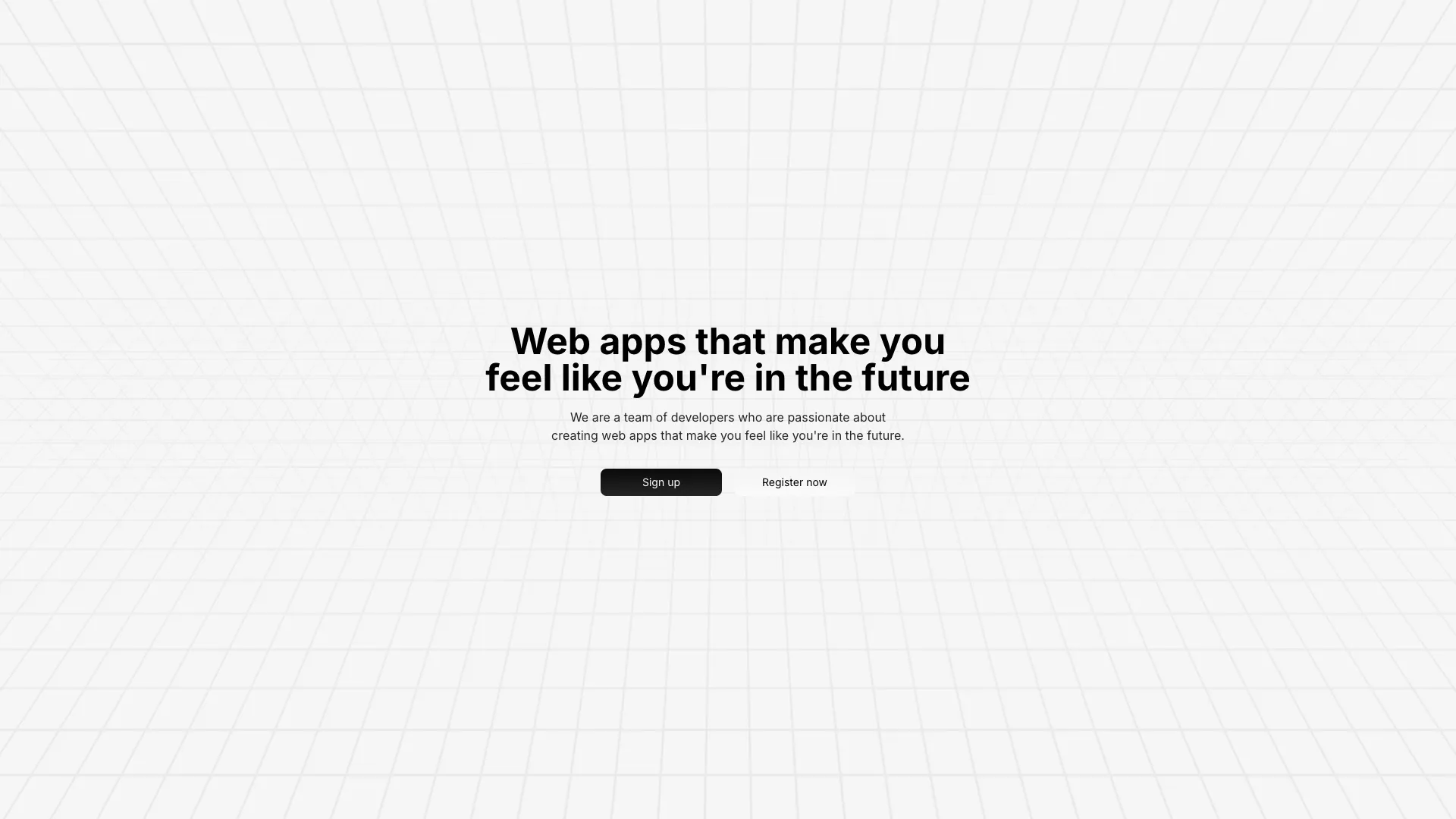








Each one is a layer you place behind your own markup. Most are pure CSS or inline SVG, and the heavier ones list their dependencies on the block page.
Backgrounds are where performance problems hide, because the cost is invisible until you profile. The rule worth memorising is that transform and opacity can be handed to the compositor, while filter, box-shadow, background-position and anything that changes layout cannot. Animating a blur or a shadow on a full-viewport element forces the browser to repaint that entire area every frame, which is how you end up at 12fps on a laptop that renders your app fine otherwise. The animated grids here move dots and stroke offsets rather than repainting large filtered surfaces.
Legibility beats novelty. A background exists so the text on top of it looks intentional, and once the pattern competes with your headline you have a decoration problem, not a design. Two things fix most of it: a radial or linear mask that fades the pattern out behind the text, and a real contrast check on the darkest and lightest points of the animation rather than on a screenshot of one frame. The masked dot backgrounds in this set exist specifically for that, and they are the ones I reach for first.
Respect prefers-reduced-motion. Ambient movement in the periphery of a page is exactly the category of animation that triggers nausea for people with vestibular disorders, and unlike a button hover they cannot escape it by not interacting. Gate the animation behind the media query and ship the static pattern as the fallback, which for most of these is one class change. While you are in there, pause any requestAnimationFrame loop when the tab is hidden, because otherwise you drain battery for a background nobody is looking at.
Watch the byte cost separately from the frame cost. The video background is the honest offender: it will not be your largest contentful paint element if you set a poster, but it competes for bandwidth with the assets that will be. Noise textures are the sneakier one, since a tiled PNG is often smaller than the equivalent SVG turbulence filter but the filter costs GPU time on every resize. If a background sits above the fold, measure it on a throttled connection before you commit to it.
Define the gradient with background-image and animate background-position or a rotation on an oversized pseudo element, then keep the element in its own stacking context so the repaint stays contained. In Tailwind v4 you can declare the keyframes in your CSS file with @theme and reference them as an animate-* utility.
Use a repeating radial-gradient for dots or two linear-gradients for grid lines, set background-size to your cell size, and add a mask-image so the pattern fades out where your content sits. Several blocks here ship that as a single utility class you can copy.
They can, but the cause is usually which property you animate rather than the animation itself. Transform and opacity run on the compositor and stay cheap even at full viewport size, while animated filters, shadows and background positions force full repaints. Video and canvas backgrounds add download and decode cost on top of that.
Render the background as an absolutely positioned sibling with a lower z-index and give it pointer-events-none so it never swallows clicks. Your content goes in a relative wrapper above it, which keeps the background out of your layout flow entirely.
Here's what some of our users have to say about Aceternity UI.

amazing to see @calcom find its way into proper templates 🥳 excited to be powering the next thousands of startups and their demo calls!

Stumbled upon ui.aceternity.com today and my mind is blown 🤯 The seamless integration of framer-motion, tailwind CSS, and shadcn showcases a masterclass in UI design. 🚀 Kudos to @mannupaaji for creating such an innovative and inspirational resource for devs! #UI #nextjs

Have you heard of Aceternity UI? It's packed with various animated components that are ready to copy and paste! Mind-blowing stuff... 🤯 Click here ➡️ ui.aceternity.com #framermotion #nextjs #tailwindcss #techinnovation

ui.aceternity.com So well done. And its bloody free 🤯🤯 Phenomenal work by @mannupaaji

So happy to see @mannupaaji work being recognised 🥹🤌🏻♥️ His work is literally a treasure trove for devs 💎

Aceternity UI has some of the best components for designing landing pages I've ever seen. If you're struggling with figuring out what animations to use. Check it out. Thank me later 😉. ui.aceternity.com
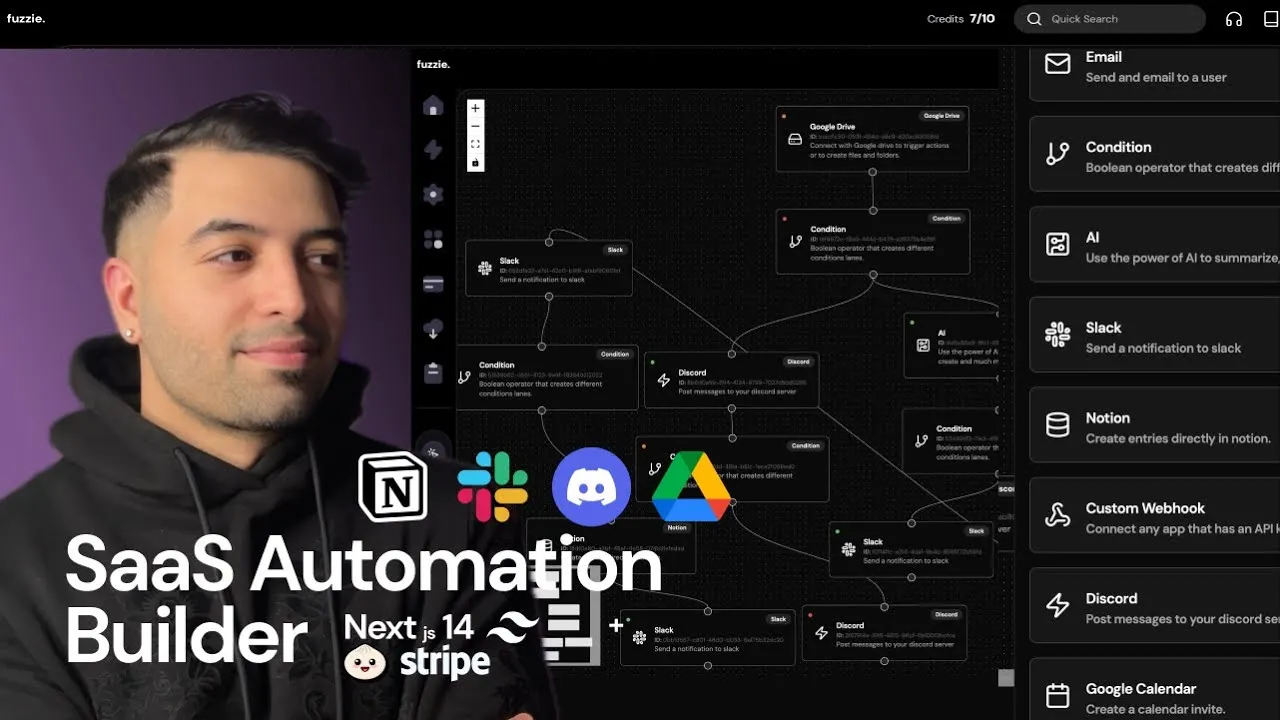
See what the best YouTubers are saying about Aceternity UI.



ceternity UI
Access an ever-growing collection of premium, meticulously crafted templates and Component Blocks.
© 2026 Aceternity Labs LLC. All Rights Reserved.